
MDM and SuperApp for business
MDM manages Android and iOS devices. SuperApp brings together email, calendar, contacts and a corporate browser.

MDM capabilities
Device management
Device enrollment, inventory and remote commands.
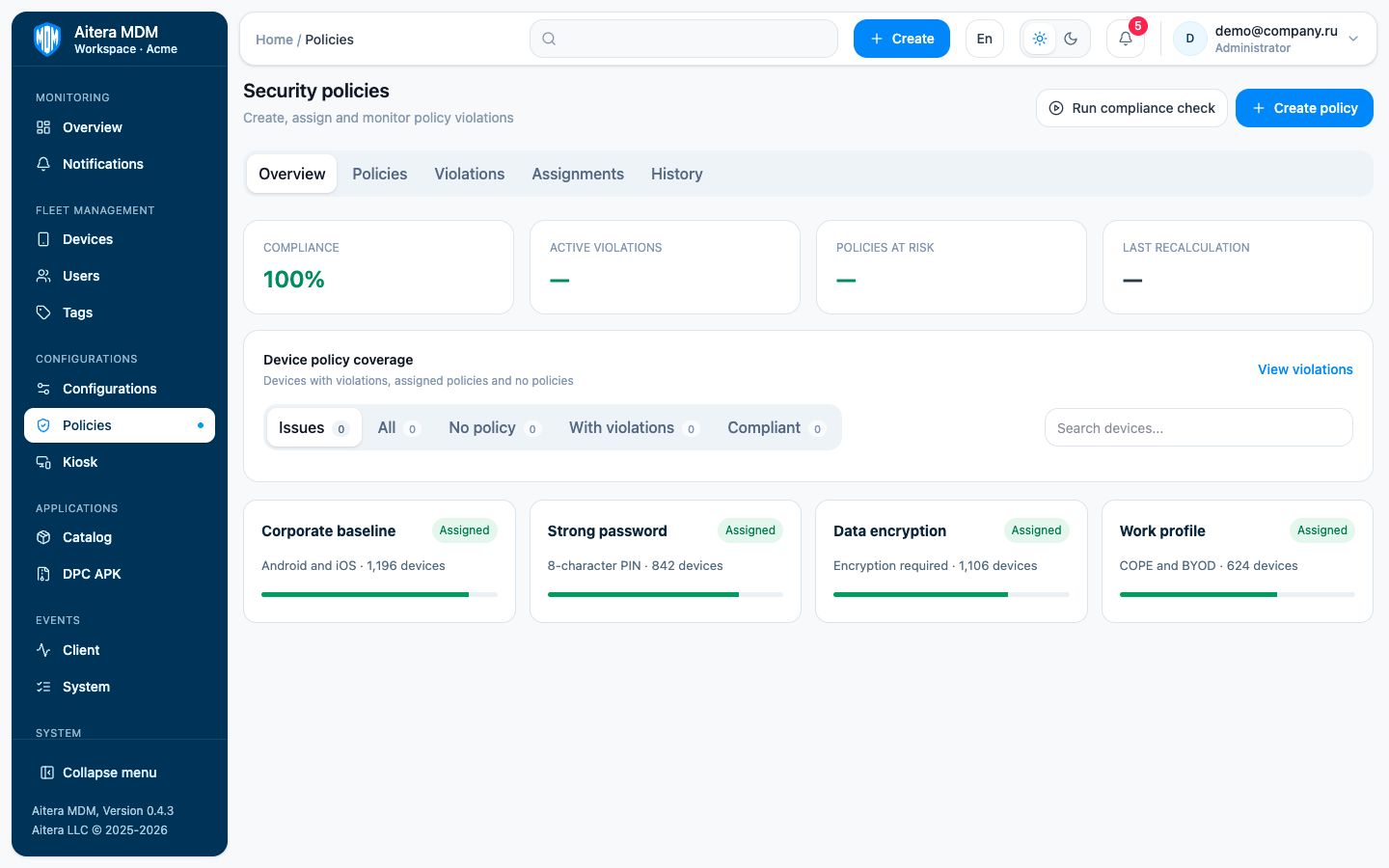
Security policies
Passwords, restrictions, certificates and policy compliance checks.
App deployment
Centralized installation and updates for corporate applications.
Event audit
A log of commands, administrator actions and device events.


Security policies and access rights
The administrator sets password requirements, restrictions and access rights. MDM checks compliance with assigned policies.
- Consistent requirements for Android and iOS
- Device status and event monitoring
- Secure access to the administration console
MDM and SuperApp deployment
-
1
Agree on requirements
Document device types, workplace services and infrastructure requirements.
-
2
Prepare the configuration
Configure policies, apps, roles and the SuperApp profile.
-
3
Run the pilot
Connect a test group, validate policies and refine the configuration.
-
4
Launch and support
Move the solution into production, train the team and provide support.
MDM and SuperApp licence prices
Per-device licences. Calculate the price for one, two or three years.
Request a demo
We will demonstrate MDM and SuperApp with your device types, security requirements and service set.
- MDM and SuperApp demonstration
- Infrastructure requirements review
- Pilot launch plan